















Order Delivery & Pickup Location Date Time
However, to fulfill the order, you may require…
- Version : 1.0.0
- Last Updated : January 16, 2024

Time required to prepare an order
Maximize cost-effectiveness of shipping
Ensure timely delivery
Organize Local Deliveries & Pickups within WooCommerce’s Schedule
With Order Delivery & Pickup Location Date Time, you can establish various delivery schedules, apply charges for weekdays and special dates, organize local pickup dates, and notify customers when their orders are ready.
Provide your customers with special treatment and encourage loyalty – 83% appreciate it!

Sometimes, it’s best to discover and experience things for yourself.
An innovative delivery scheduling plugin designed for retail stores.
Delivery & Pickup Location Date Time for WooCommerce features can help you provide speedy service and quick order fulfillment
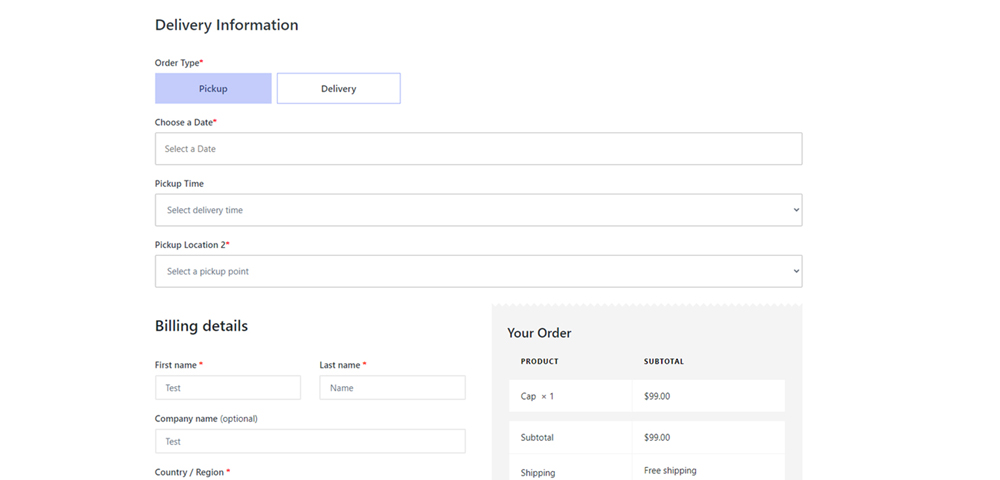
Enable customers to choose their desired pickup/delivery date and time.
Schedule and manage deliveries according to customer
- Customers have the option to choose between pickup and delivery on checkout page.
- Customers have the option to choose date and time.
Methods of shipment
Certain online stores need their delivery schedules to align with specific shipping methods.
- Select one or multiple shipping methods
- Incorporate delivery date and time settings for shipping methods. Additionally, you can include extra charges if necessary.
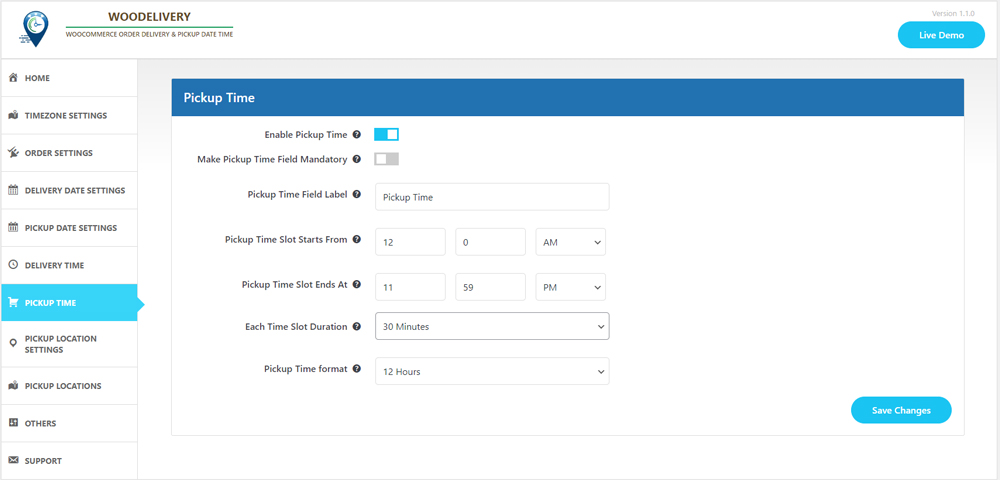
Pickup Location
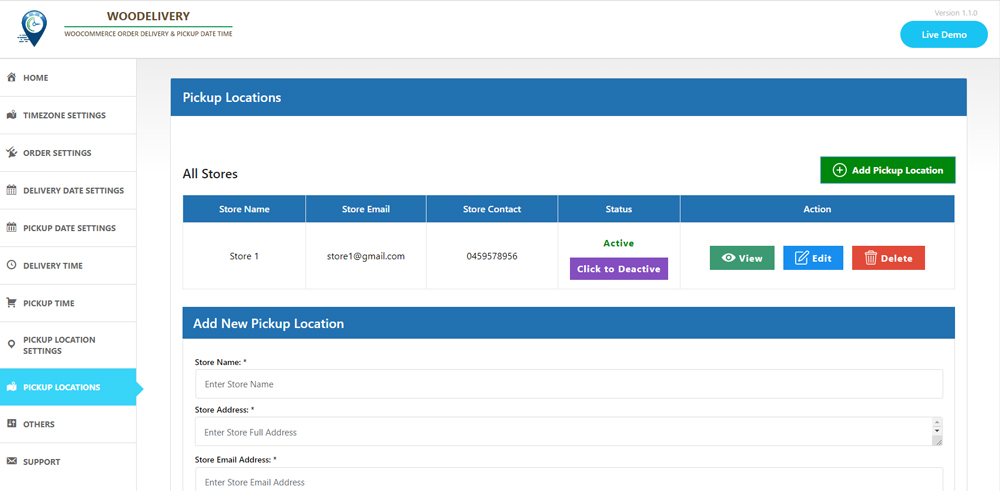
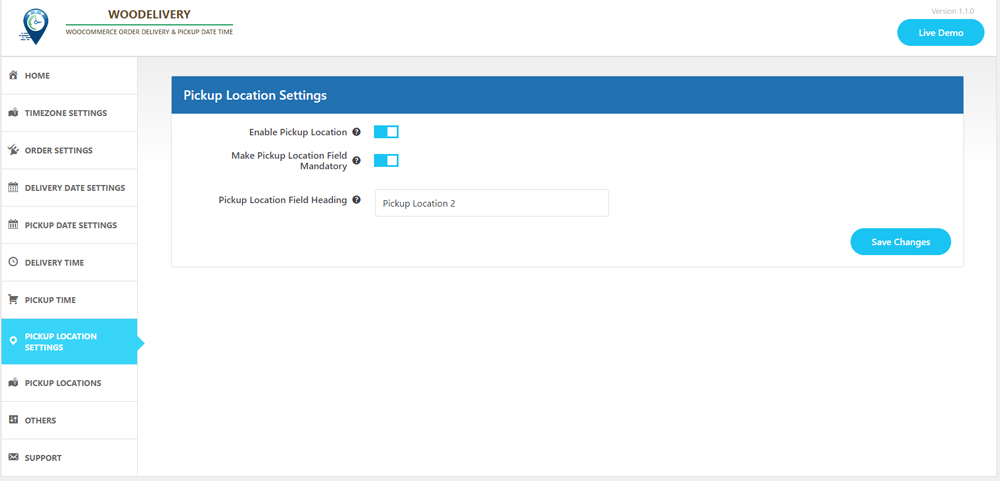
If you’re providing pickup services for your products, this option is tailored for you.
- Choose the product and select your desired pickup location.
- Add Multiple pickup location, address, phone number and email
- The date and time slot may vary based on the location chosen by the customer.
Express delivery options for same day and next day service
- Establish delivery fees for same-day and next-day delivery services.
- Delivery fees may vary depending on the time.
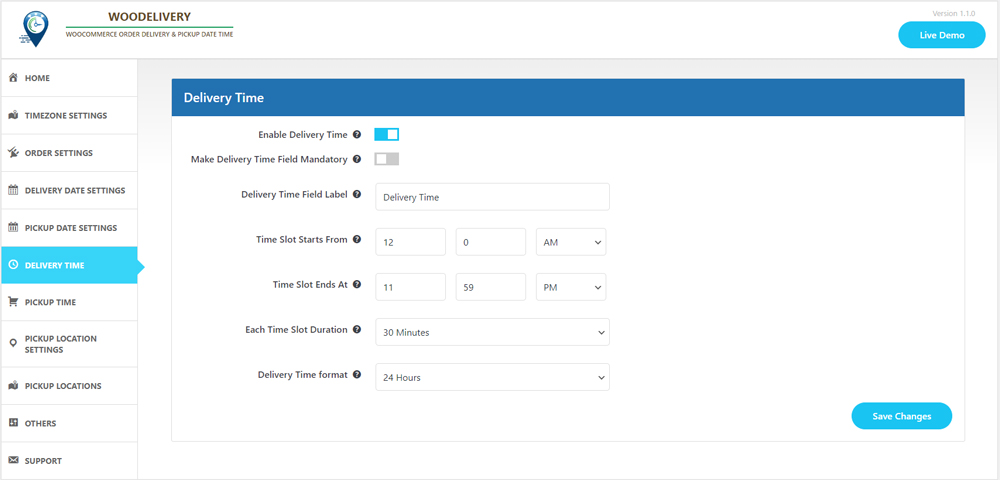
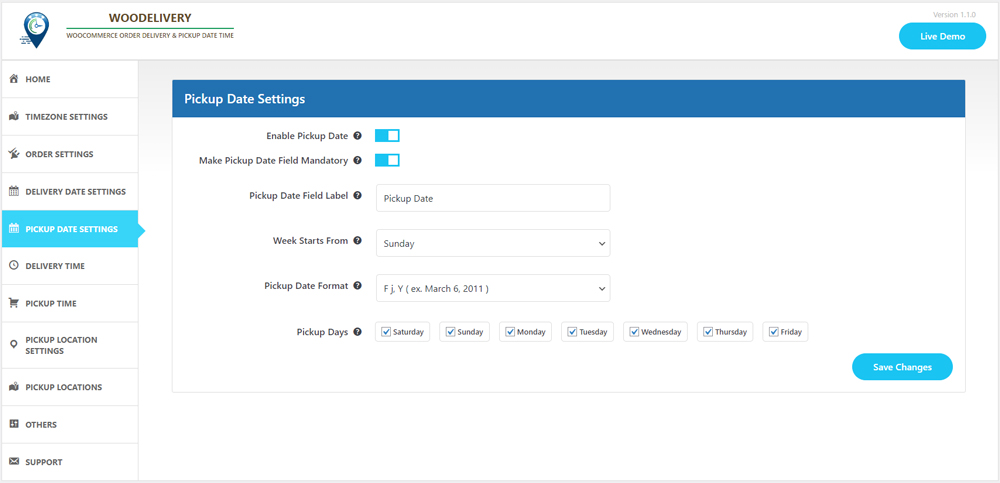
Minimum required delivery time
Store owners may need a certain amount of preparation time before their products are ready for delivery to customers.
- Set the minimum delivery time
- You can oversee the start time and end time for each day of the week, from Monday to Sunday.
Compatible with the WooCommerce Checkout block feature
- Accessible within the “Shipping Address” block
- Pickup location, delivery date, and time slot fields will appear accordingly.
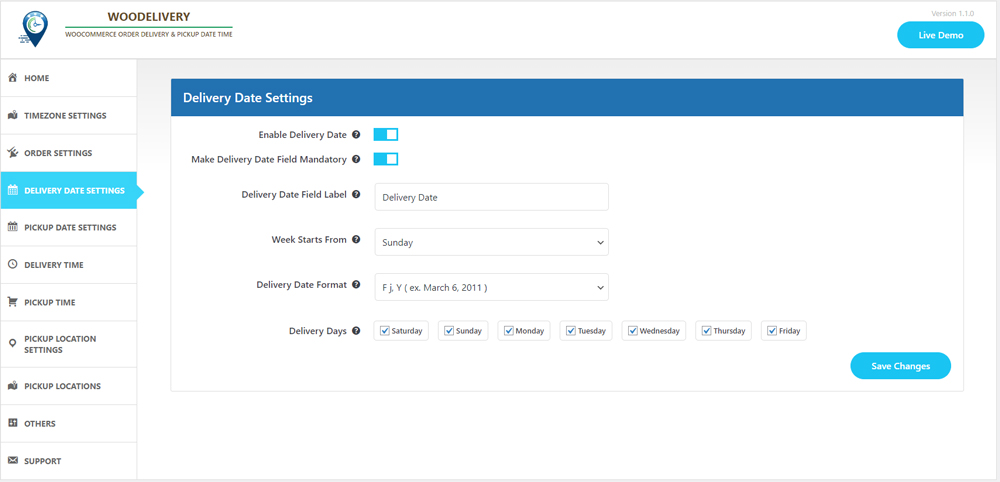
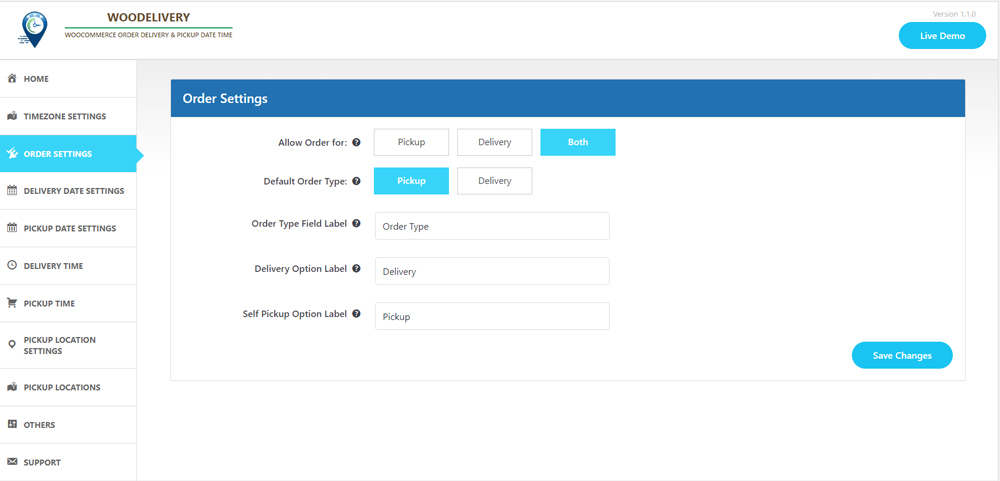
Determine the delivery type before selecting the date.
Allow your customers to effortlessly choose between Pickup or Delivery options before entering their address or selecting the delivery date.
- Offer pertinent delivery dates based on the user’s selected delivery type preference.
- Ensure a seamless customer experience when they choose delivery dates.
Delivery/Pickups time slot interval
- Customers can choose between time slot intervals of 30 minutes or 60 minutes.
- You can configure the start time and end time for each day of the week, from Monday to Sunday.
Hold on, the list isn’t complete yet
- Issue reminders prior to deliveries.
- Establish a store-wide order limit for custom delivery schedules.
- Apply charges exclusively to orders that fall below a certain amount.
- Deactivate the weekdays on which product deliveries are not available.
- Make the delivery time field either mandatory or optional on the checkout page.
- Customize the labels for the delivery date and time fields according to your business needs.
- You have the option to include additional charges for specific time slots on each day of the week.
It’s not just about the plugin; it’s about the overall experience we deliver

10,000+ customers trust us

Outstanding customer support

Regular Product Updates

Exceptional code quality

We value customer feedback
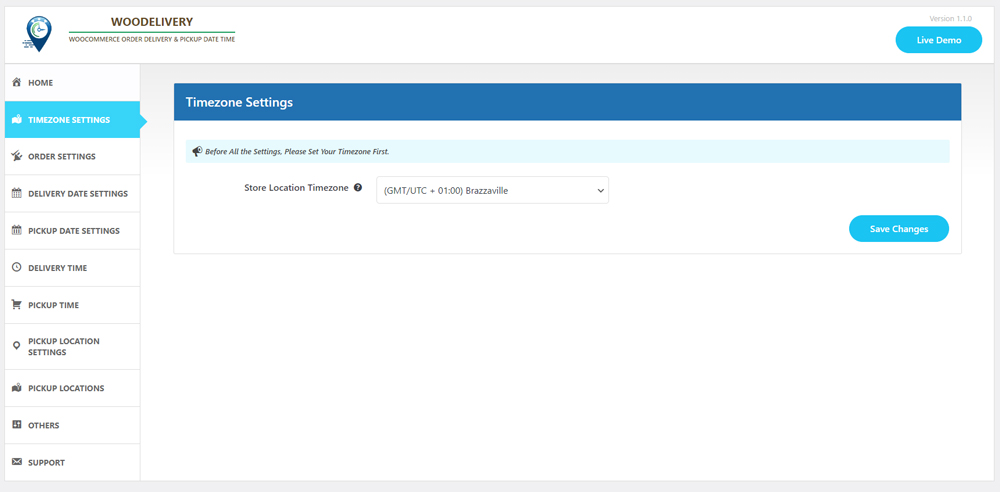
Plugin Screenshot